
主題
為 Fumadocs UI 新增主題
概覽
Fumadocs UI 透過 Tailwind CSS preset 加入專屬的色彩、動畫與工具類別。
設定
僅支援 Tailwind CSS v4,此 preset 也會一併將 Fumadocs UI 本身加入 source:
@import 'tailwindcss';
@import 'fumadocs-ui/css/neutral.css';
@import 'fumadocs-ui/css/preset.css';
若您使用 Shadcn UI,可以改用 shadcn 預設樣式,Fumadocs UI 會直接沿用您 Shadcn UI 主題的色彩。
@import 'tailwindcss';
@import 'fumadocs-ui/css/shadcn.css';
@import 'fumadocs-ui/css/preset.css';詳細資訊請參閱色彩。
Preflight 變更
使用 Tailwind CSS 外掛或預先建置的樣式表後,預設的邊框、文字與背景 顏色會隨之改變。
淺色/深色模式
Fumadocs 透過 next-themes 支援淺色/深色模式,此功能已內建於 Root Provider 中。
詳情請參閱 Root Provider。
RTL 版面配置
支援 RTL (由右至左) 版面配置。
若要啟用 RTL,請將 body 與 root provider 的 dir prop 設為 rtl。
import { RootProvider } from 'fumadocs-ui/provider/<framework>';
import type { ReactNode } from 'react';

export default function RootLayout({ children }: { children: ReactNode }) {
  return (
    <html lang="en" suppressHydrationWarning>
      <body dir="rtl">
        <RootProvider dir="rtl">{children}</RootProvider>
      </body>
    </html>
  );
}
版面配置寬度
您可以使用 CSS 變數自訂文件版面配置的最大寬度。
:root {
  --fd-layout-width: 1400px;
}色彩
Fumadocs 內建多種預設配色,您可以挑選喜歡的一款。
@import 'fumadocs-ui/css/<theme>.css';
@import 'fumadocs-ui/css/preset.css';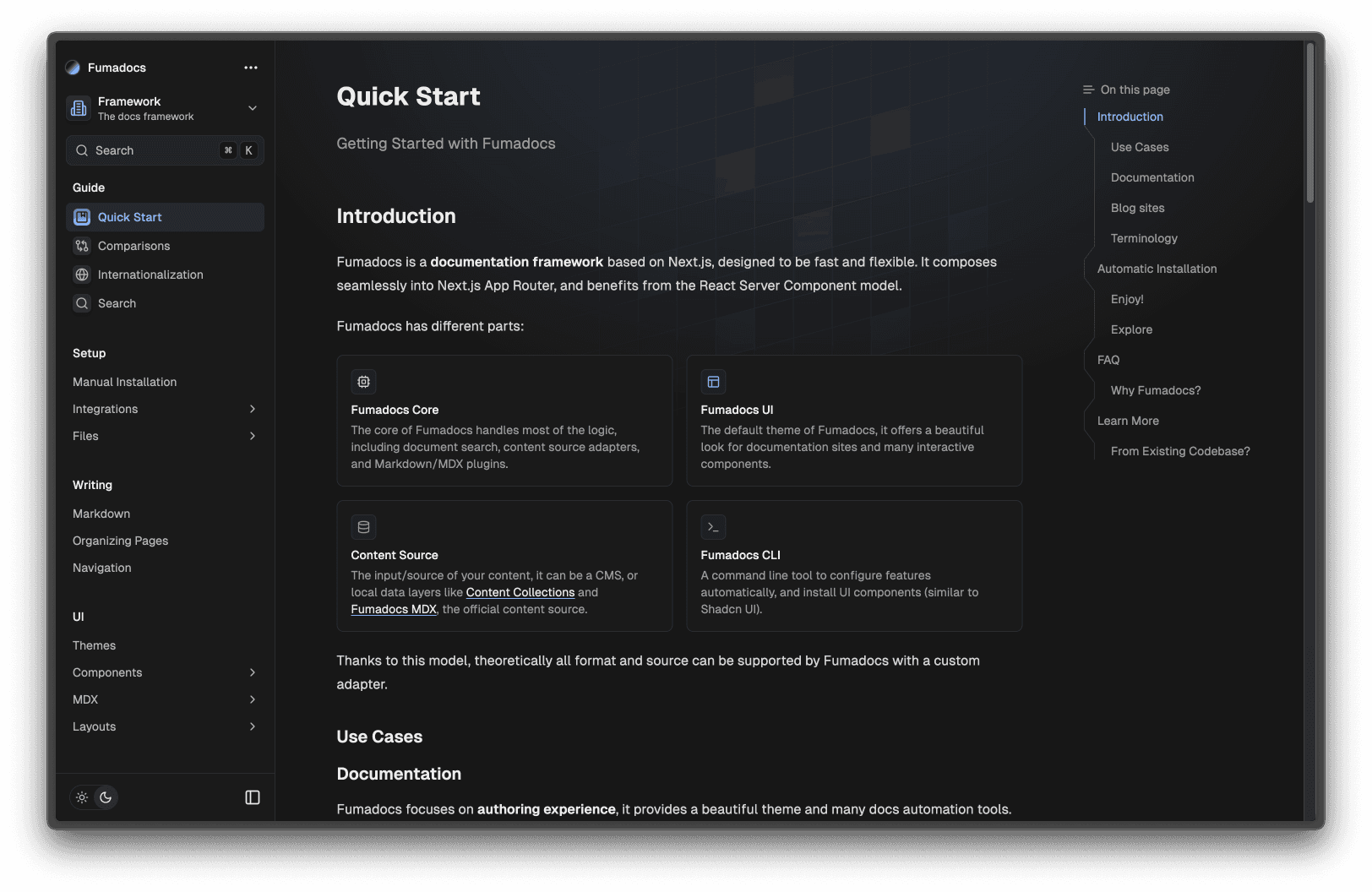
此設計系統的靈感源自 Shadcn UI,您也可以透過 CSS/主題變數自訂色彩。
@theme {
  --color-fd-background: hsl(0, 0%, 96%);
  --color-fd-foreground: hsl(0, 0%, 3.9%);
  --color-fd-muted: hsl(0, 0%, 96.1%);
  --color-fd-muted-foreground: hsl(0, 0%, 45.1%);
  --color-fd-popover: hsl(0, 0%, 98%);
  --color-fd-popover-foreground: hsl(0, 0%, 15.1%);
  --color-fd-card: hsl(0, 0%, 94.7%);
  --color-fd-card-foreground: hsl(0, 0%, 3.9%);
  --color-fd-border: hsla(0, 0%, 80%, 50%);
  --color-fd-primary: hsl(0, 0%, 9%);
  --color-fd-primary-foreground: hsl(0, 0%, 98%);
  --color-fd-secondary: hsl(0, 0%, 93.1%);
  --color-fd-secondary-foreground: hsl(0, 0%, 9%);
  --color-fd-accent: hsla(0, 0%, 82%, 50%);
  --color-fd-accent-foreground: hsl(0, 0%, 9%);
  --color-fd-ring: hsl(0, 0%, 63.9%);
}

.dark {
  --color-fd-background: hsl(0, 0%, 7.04%);
  --color-fd-foreground: hsl(0, 0%, 92%);
  --color-fd-muted: hsl(0, 0%, 12.9%);
  --color-fd-muted-foreground: hsla(0, 0%, 70%, 0.8);
  --color-fd-popover: hsl(0, 0%, 11.6%);
  --color-fd-popover-foreground: hsl(0, 0%, 86.9%);
  --color-fd-card: hsl(0, 0%, 9.8%);
  --color-fd-card-foreground: hsl(0, 0%, 98%);
  --color-fd-border: hsla(0, 0%, 40%, 20%);
  --color-fd-primary: hsl(0, 0%, 98%);
  --color-fd-primary-foreground: hsl(0, 0%, 9%);
  --color-fd-secondary: hsl(0, 0%, 12.9%);
  --color-fd-secondary-foreground: hsl(0, 0%, 92%);
  --color-fd-accent: hsla(0, 0%, 40.9%, 30%);
  --color-fd-accent-foreground: hsl(0, 0%, 90%);
  --color-fd-ring: hsl(0, 0%, 54.9%);
}
排版
我們內建了一個從 Tailwind CSS Typography 分支 (fork) 而來的外掛。
此外掛提供 prose 類別,以及用來自訂樣式的各種變體。
<div className="prose">
  <h1>Good Heading</h1>
</div>
將 prose-sm 或 prose-xs 與 prose 搭配使用,即可套用 text-sm 或 text-xs 的字型大小與行高,並搭配經過視覺校正的字重:
<div className="prose prose-sm">...</div>此外掛專為搭配 Fumadocs UI 的 MDX 元件而設計,因此可能會與 @tailwindcss/typography 發生衝突。
若您需要改用 @tailwindcss/typography 取代預設外掛,請設定 className 選項以避免衝突。
@import 'tailwindcss';
@plugin "@tailwindcss/typography" {
  className: wysiwyg;
}
How is this guide?